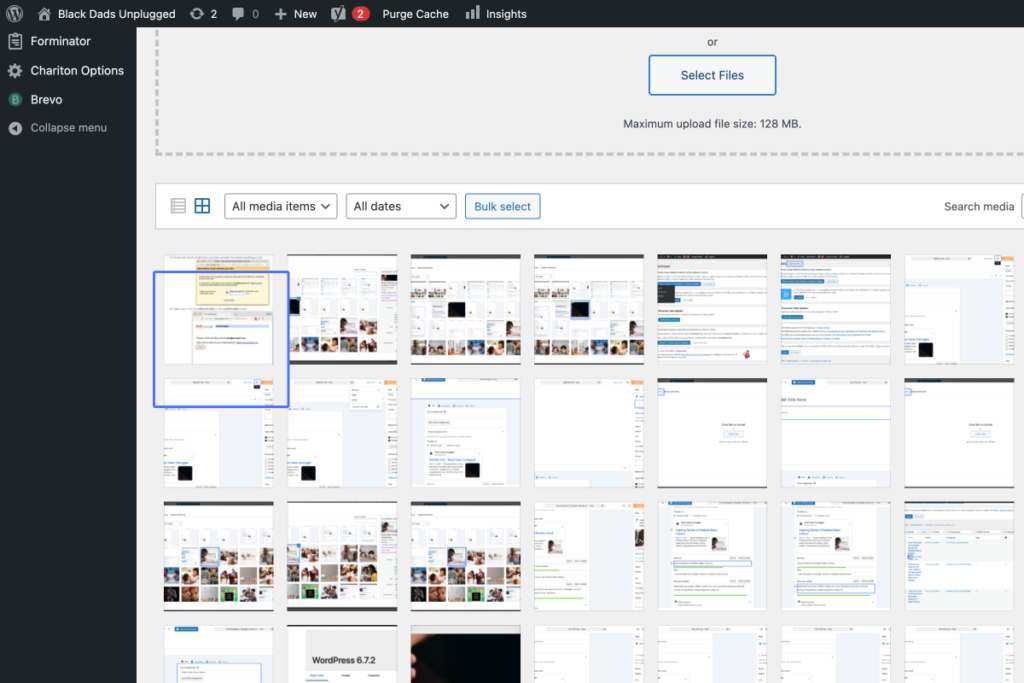
Click on “Dashboard Home Updates 2 Insights Events Manager Events Bookings Users Settings Posts All Posts …”
Start urlhttps://blackdads.africa/blackdadskemosoadmin/index.php
Tab Name: Dashboard ‹ Black Dads Unplugged — WordPress
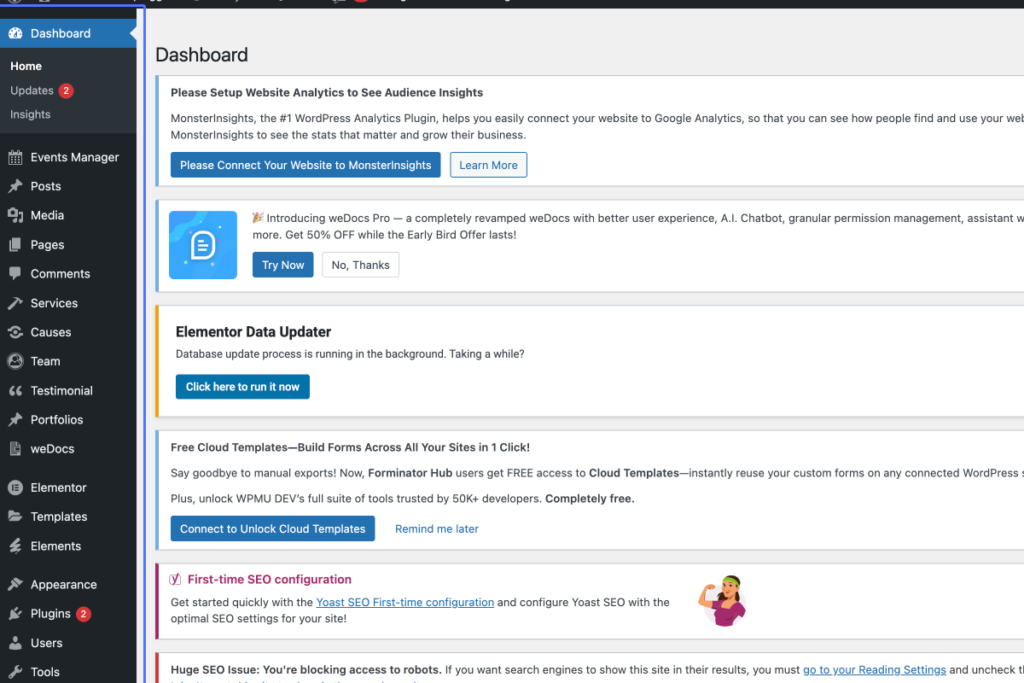
2
Click on the link “Media”
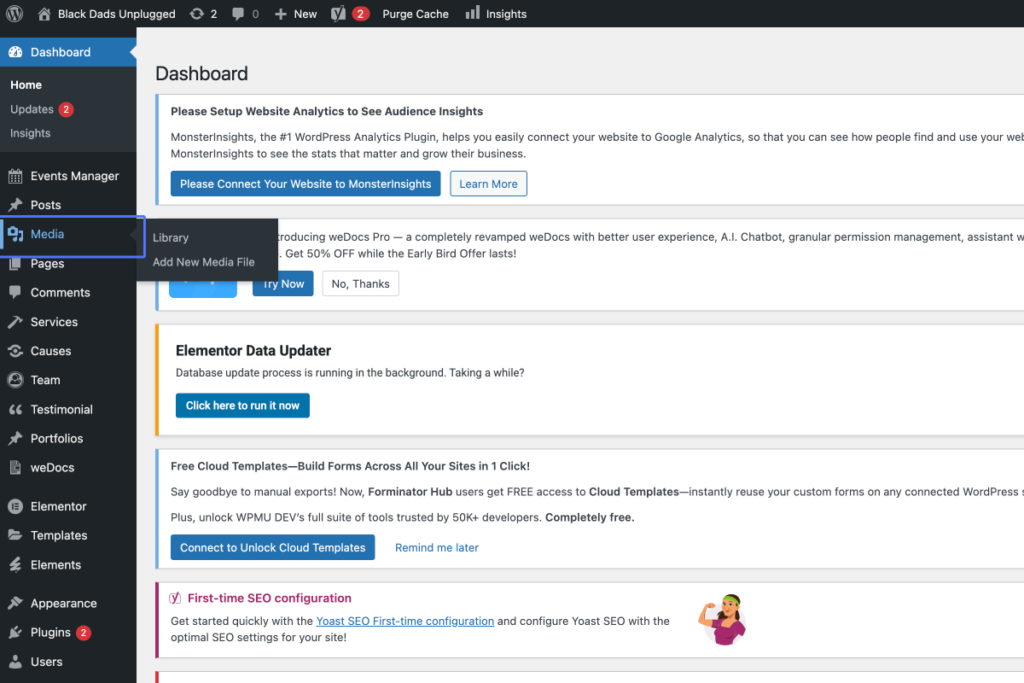
3
Click on the button “Add New Media File”
Tab Name: Media Library ‹ Black Dads Unplugged — WordPress
4
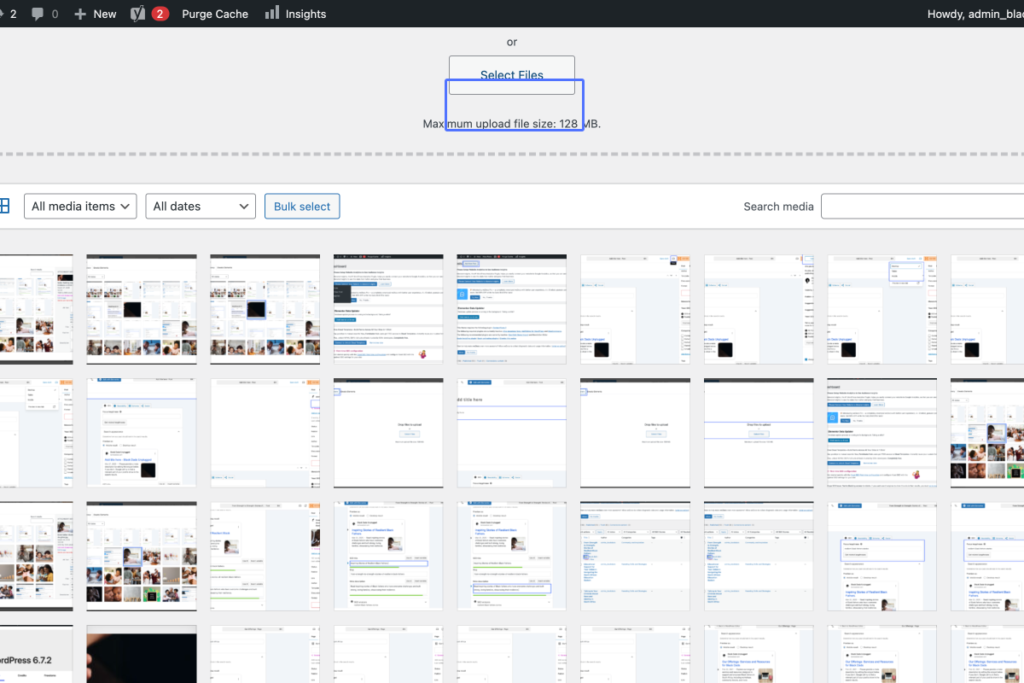
Click on “Close uploader Drop files to upload or Select Files Maximum upload file size: 128 MB.”
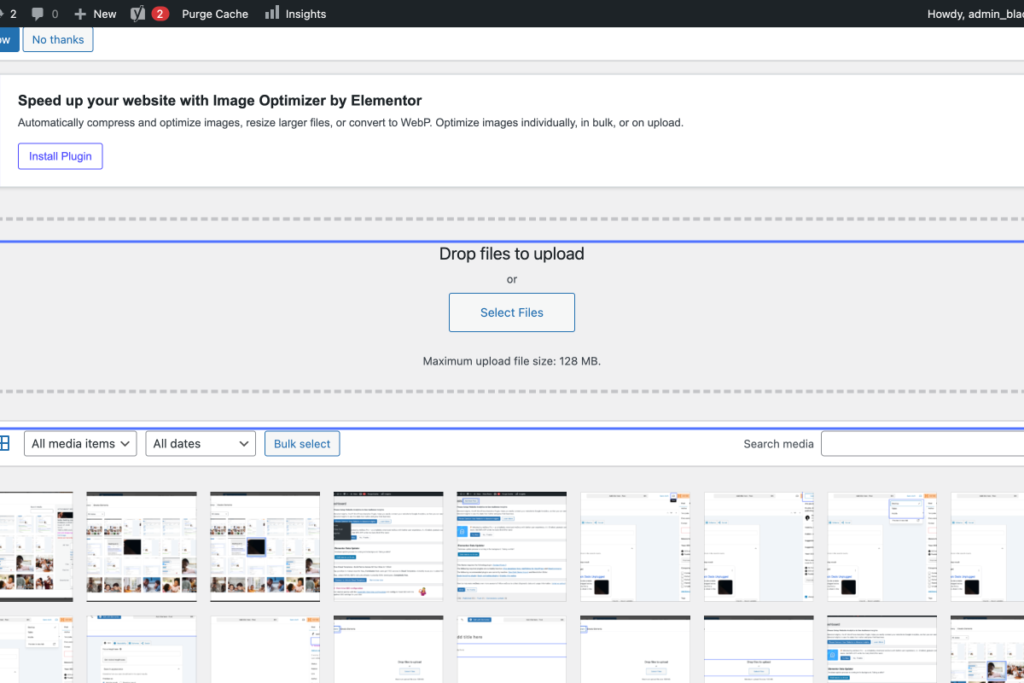
5
Click on the button “Select Files”
6
Click on “Screenshot 2025-03-27 at 01.14.40”